What makes this video useful
Stefan 3D AI's video has a strong premise: build a dream 3D game in 72 hours, with AI-generated assets and Claude Code helping with gameplay.
The useful lesson is not speed for its own sake. The useful lesson is that AI game development works best when each tool has a clear job.
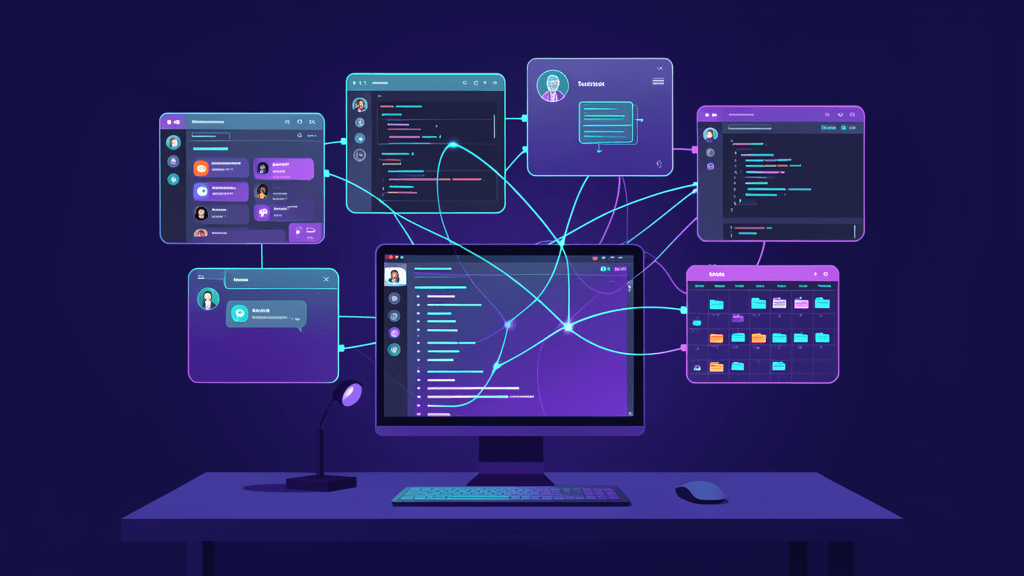
The workflow shown in the video description is roughly:
- Plan the game and create the first concept.
- Build AI assets with AssetHub.
- Rig the character and set up Unreal Engine.
- Assemble the level in Blender.
- Import everything into Unreal Engine 5.8.
- Polish lighting, materials, and the scene.
- Build gameplay with Claude Code and Unreal Engine MCP.
- Run a final playtest.
That is not AI replacing a game developer. It is a solo creator using AI as a temporary production team.
Start by shrinking the game scope
A 72-hour game prototype fails quickly if the scope starts as an open world, multiplayer system, deep inventory, and full narrative.
The video uses a better target: a 3D platformer. That gives the project a clear spine: movement, jumping, physics, level route, goal, and feedback.
For an AI workflow, clear scope matters because each tool can then own a specific part:
- AssetHub speeds up the starting assets.
- Blender handles spatial organization.
- Unreal Engine provides the real runtime.
- Claude Code helps turn mechanics into working logic.
If the scope is vague, AI only helps you create confusion faster.
AssetHub solves the blank asset problem
3D assets are one of the slowest parts of game prototyping.
Characters, props, environment pieces, textures, and consistent visual direction can slow a solo creator down before the game is even playable. AssetHub's role in this workflow is to move the creator past the blank canvas faster.
But AI assets are a starting point, not the finish line.
Before a generated 3D asset belongs in a game, you still need to check:
- Mesh weight.
- Texture quality.
- Scale consistency.
- Origin and axis direction.
- Blender and Unreal Engine import behavior.
- Rigging needs for characters.
The practical takeaway is not "AI made all the models for me." It is "AI gave me usable first drafts that I could keep shaping."
Blender remains the organizing layer
The video includes level assembly in Blender, and that step matters.
AI asset tools can produce models, but they do not automatically solve game space. Where the player starts, how the path reads, how obstacles are placed, and whether the camera makes sense are still creative decisions.
Blender acts as the organizing layer:
- Adjust model scale.
- Build the first level layout.
- Check space and camera readability.
- Clean up assets before engine import.
- Prepare files for Unreal Engine.
Skipping this layer can leave you with beautiful assets that do not make a playable level.
Unreal Engine MCP brings agents into the engine workflow
The most interesting part of the video is the pairing of Claude Code with Unreal Engine 5.8 MCP.
MCP matters because it can let an AI agent work through a controlled interface instead of merely chatting beside the project. In an Unreal workflow, that can help with project structure, gameplay logic, object setup, and repetitive editing steps.
But this is not autopilot.
The video context and viewer discussion point to a real limitation: Claude cannot fully see or judge 3D spatial orientation like a person using the editor. It can help with code and logic, but character direction, object placement, composition, and feel still need human review.
That is why playtesting remains central.
Claude Code is best used as a gameplay engineering assistant
Claude Code is already useful as a terminal coding agent. In a game workflow, its value is not just brainstorming ideas. Its value is helping convert mechanics into working implementation.
In this kind of project, Claude Code can help you:
- Break down character control logic.
- Generate or modify scripts.
- Iterate from error messages.
- Understand project structure.
- Turn repeated implementation steps into tasks.
Game development still has a different standard from web development. Compiling is not enough. Jump height, acceleration, collision, camera follow, and level rhythm all need playtesting.
Claude Code helps you reach the testable version faster. It does not replace the judgment needed to make the game feel good.
How I would copy the workflow
If I were using this method for a small AI game prototype, I would keep the goal deliberately narrow:
- One character.
- One level that can be finished in under 60 seconds.
- One core mechanic, such as jumping, collecting, dodging, or pushing.
- Three to five reusable assets.
- One complete playtest loop.
The tool sequence would be:
- Write a one-page game brief with ChatGPT or Claude.
- Generate character and prop assets in AssetHub.
- Clean scale and level layout in Blender.
- Import into Unreal Engine.
- Use Claude Code and Unreal Engine MCP to help build interactions.
- Playtest manually, record issues, then run one more iteration.
The first goal should not be a spectacular demo. It should be a prototype that actually runs.
The real lesson
AI game development is already powerful, but its strength is workflow acceleration, not one-click replacement.
AssetHub makes asset starting points faster.
Blender turns assets into controlled level space.
Unreal Engine turns the prototype into a real playable environment.
Claude Code and MCP make gameplay implementation faster.
The hard parts do not disappear. They move.
Instead of being blocked only by modeling or coding speed, creators now need a sharper production judgment: what should AI handle, what must be checked by hand, and what only a playtest can answer.
FAQ
Does this mean AI can generate a complete game from one prompt?
No. The video description explicitly frames the workflow as using AI where it makes sense: assets, code assistance, workflow speed, and repeatable production tasks.
Can a beginner copy this workflow?
Yes, but start smaller: one character, one short level, one core mechanic, and one full playtest before adding complexity.